Christmas kitten
Noisette
Curious, playful, loves the baubles on the tree.
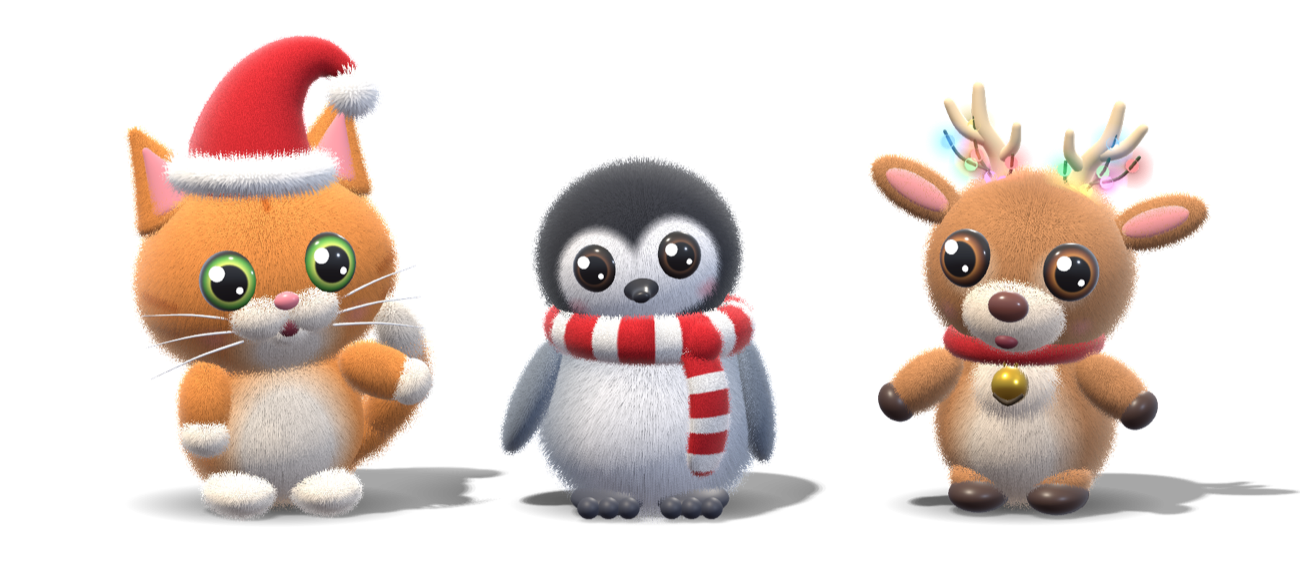
A kitten, a baby penguin and a little reindeer, in real 3D. They stroll along your Dock, climb your windows and play in the snow while you work.
One-time purchase · macOS 14 or later · Apple silicon
Recorded on a real Mac.
Meet them
Each has its quirks. Rename them, dress them up, keep all three or just one or two.
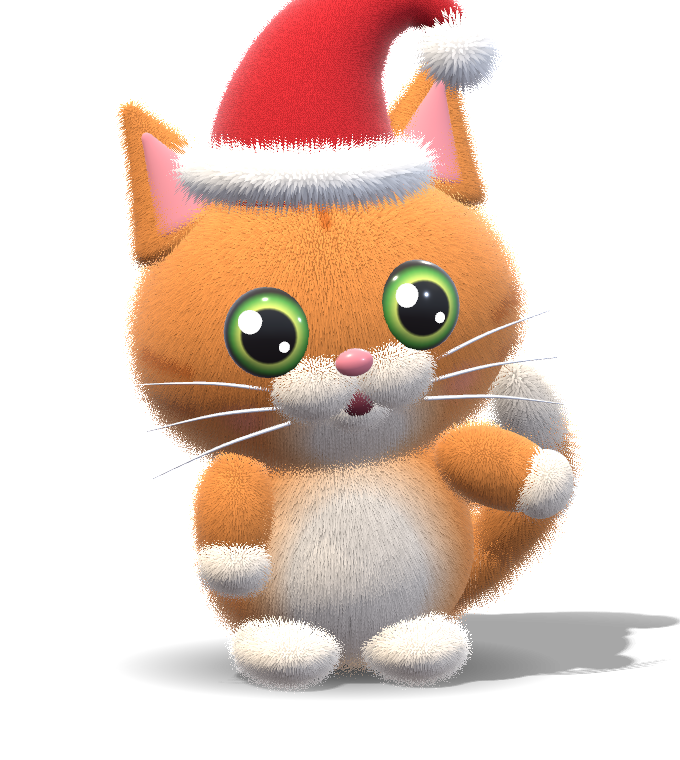
Christmas kitten
Curious, playful, loves the baubles on the tree.
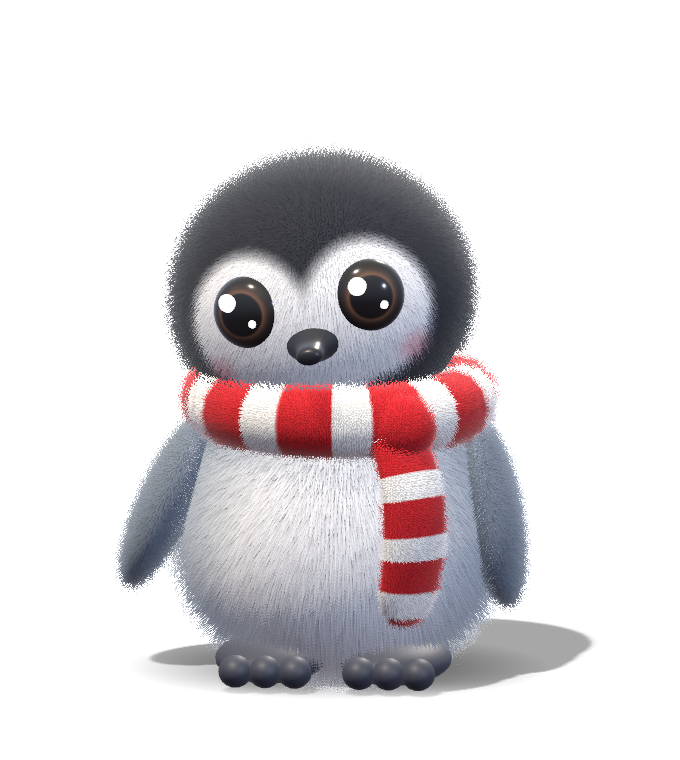
Baby penguin
Waddles, slides on its belly, cuddles everyone.
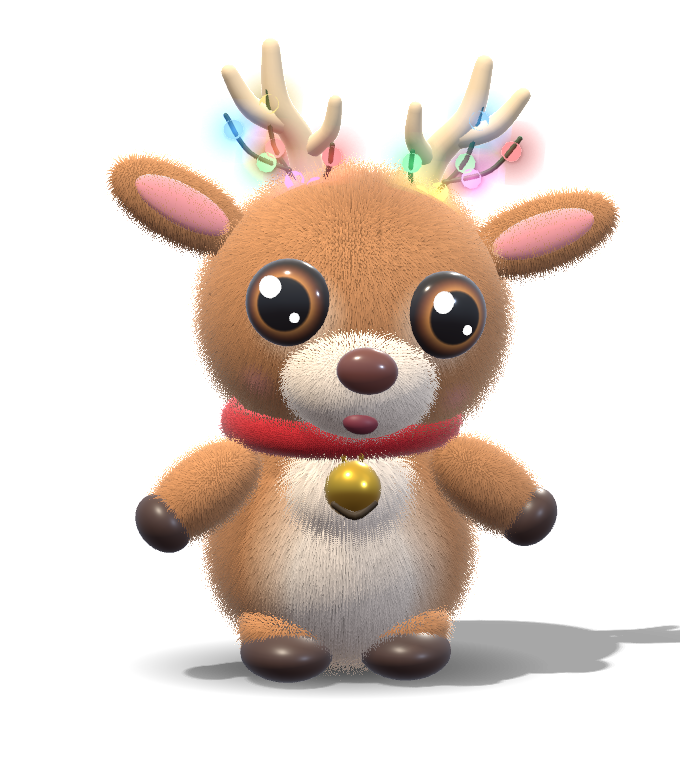
Little reindeer
Bouncy, always up for a race.
The snow
It settles in little heaps on top of every window and on the Dock, and stays with its window, even hidden behind another one. And it behaves like snow.
Your turn
Eyes, carrot, buttons, scarf and arms show up on their own. It stays on its window, and the companions come to admire it.
Christmas Edition
Everything can be switched on or off from the menu bar.
Send it from the menu, or pick it up and set it down on a window: it drives along, pushing the snow into a heap that grows in front of its blade.
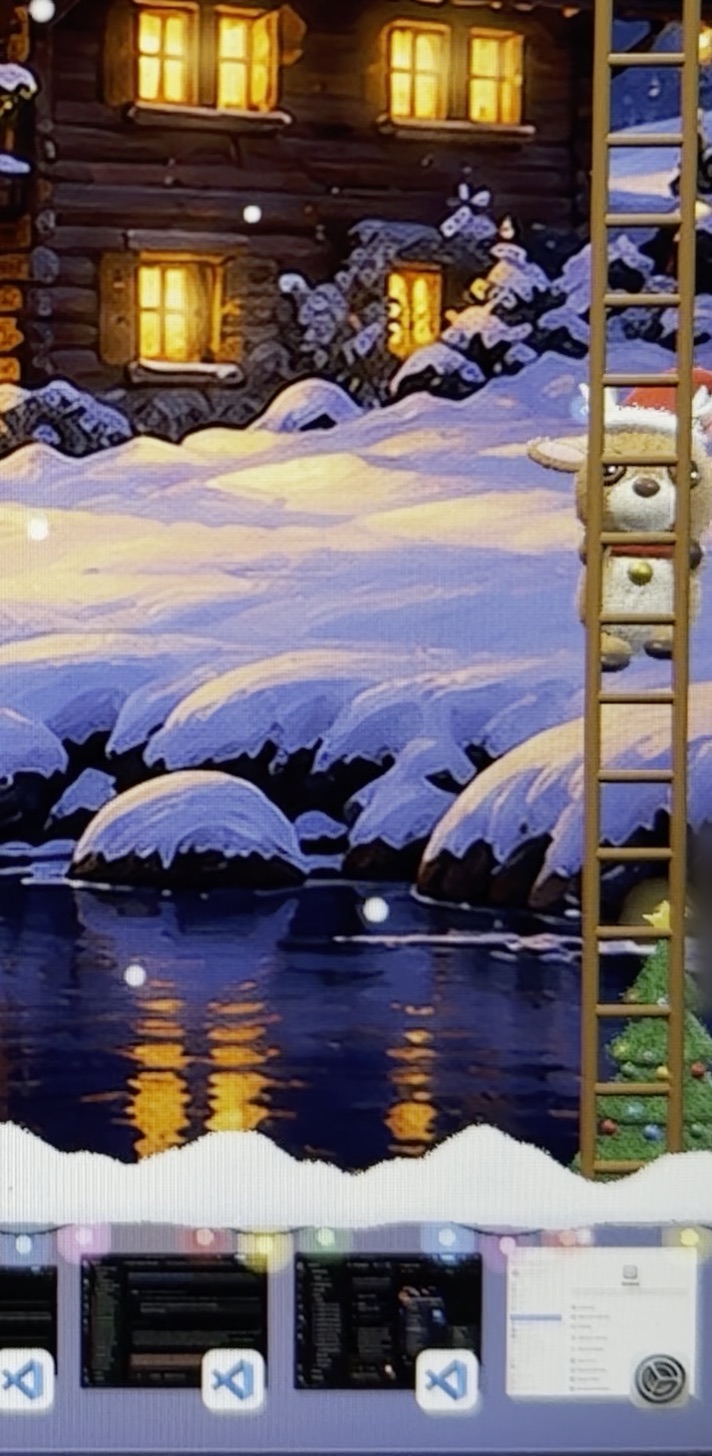
They go from one to the other: up the ladder, with a leap, or in your hand.
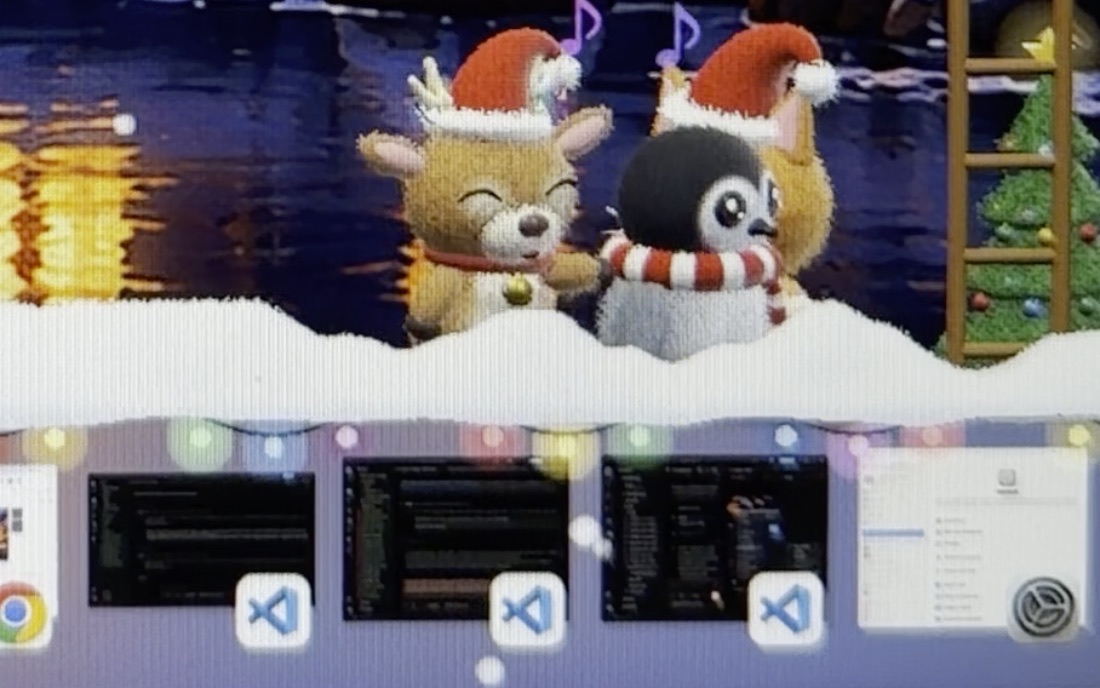
With its string of lights. The companions come to admire it and bat at its baubles.
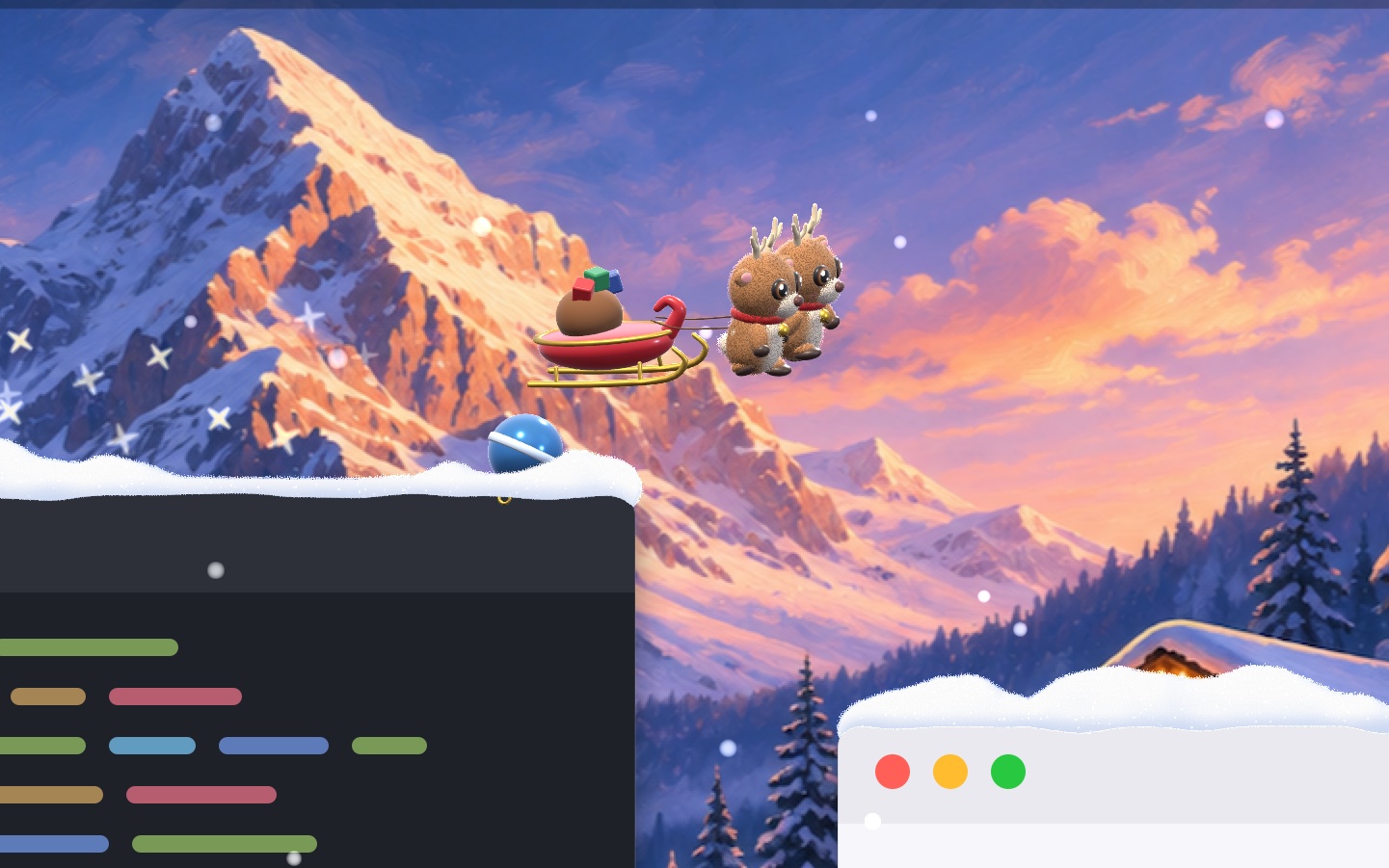
Every now and then it crosses the sky — and it’s the one that delivers presents.
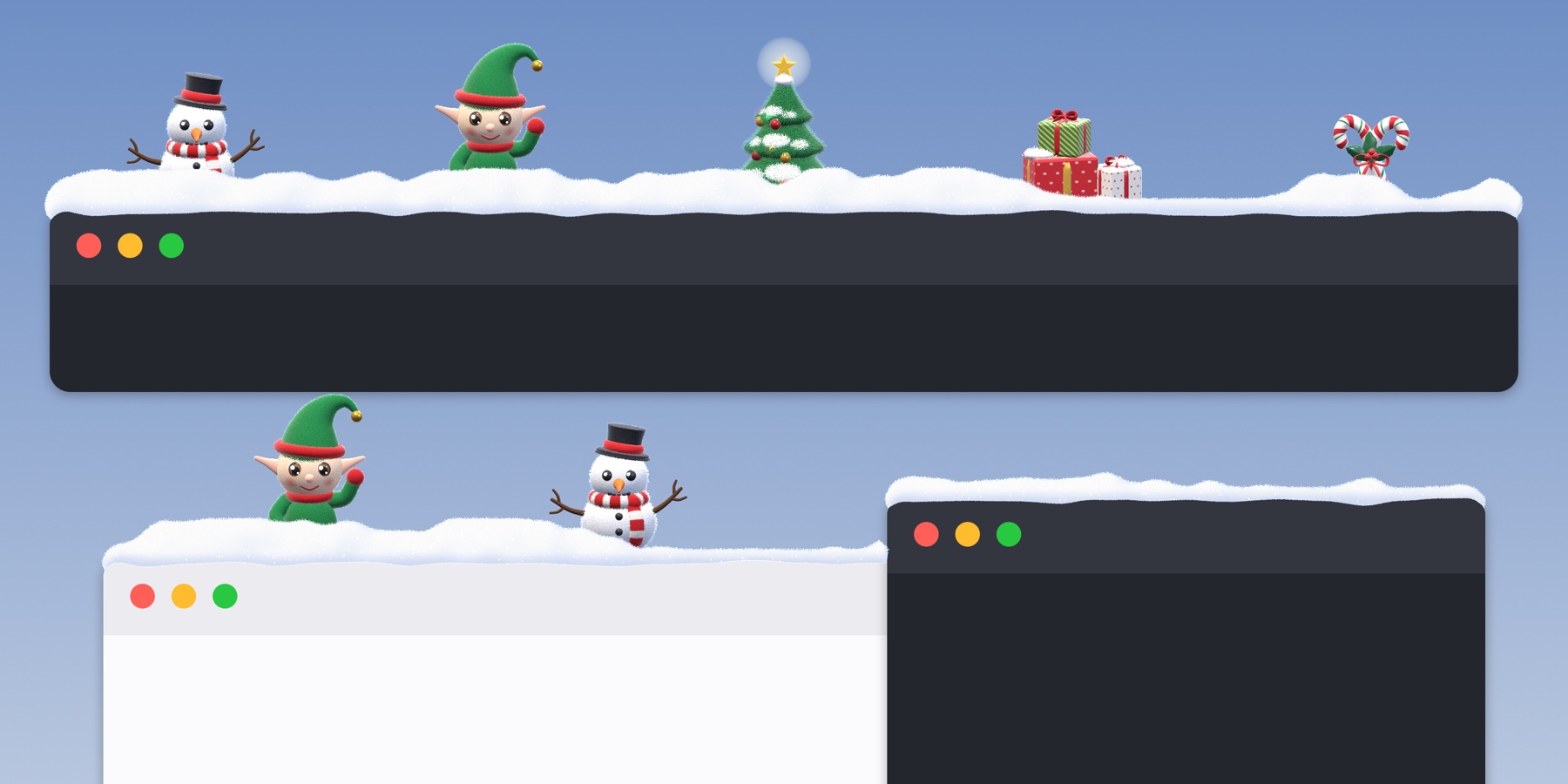
Snowman, elf, little fir, presents, candy canes: they settle in the snow on your windows.
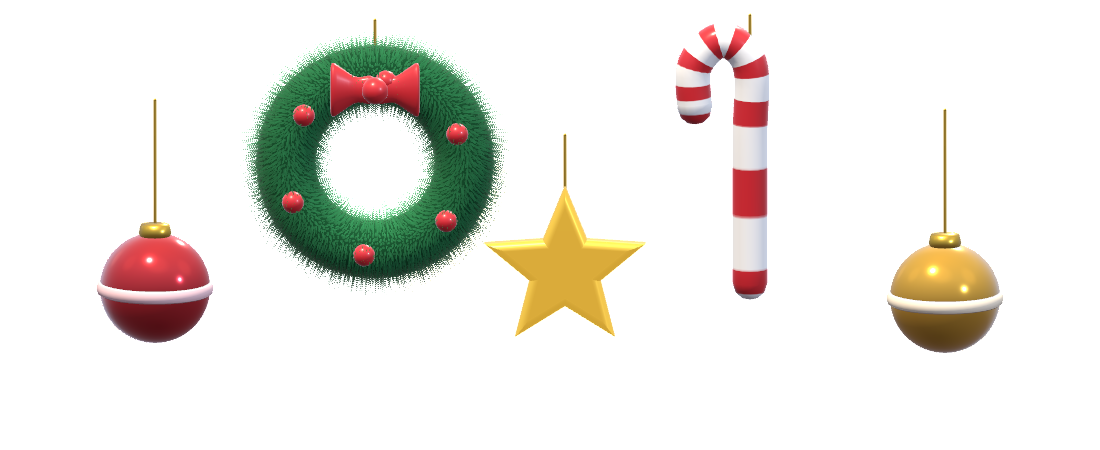
Baubles, star, wreath, candy cane, lights: hang them wherever you like, they swing when you move them.


Winter paintings framed for your screen. Some come alive: flickering lights, reflections on the water, smoke from the chimney. Your usual wallpaper is back when you quit the app.
Between friends
Pick what’s inside, the wrapping, sign it, and share the link. At your friend’s, the sleigh flies by and drops the parcel: one of their companions runs to open it and wears what’s inside.
The present travels inside the link: no account, no server. Your friend needs Deskies too.
Getting started
Pay once on Stripe’s secure page. Your download starts right after.
Open the file and drag Deskies into your Applications folder.
Launch it: a little paw appears in the menu bar, and the three of them drop onto your desktop.
Discreet
of the Mac’s power, measured on a MacBook Air M3 with all three companions and the full Christmas décor.
frames per second: full rate when things move, half as soon as everyone rests.
work while the display is asleep or locked. And “Hide companions” stops everything in one click.
In Low Power Mode, or if the Mac runs warm, the app lightens the fur and the frame rate by itself. It connects to nothing, and no permission is required.
Pricing
A single purchase and they’re yours: no subscription, no account.
Deskies · Christmas Edition
$9
once, and they’re yours
macOS 14 or later · Apple silicon Mac (M1 and newer)
Secure payment with Stripe · Download right after paying · Refunded if it doesn’t run on your Mac
$9, once: no subscription, no account. You pay on Stripe’s secure page and download Deskies right after. If it doesn’t run on your Mac, write to us within 14 days and we’ll refund you.
Write to contact@deskies.app from the address you paid with, and we’ll send you the link again.
No. On a MacBook Air M3, with all three companions and the full décor, the app uses 15–25% of one of its eight cores — about 2–3% of the Mac’s power. The frame rate drops at rest, quality lightens by itself in Low Power Mode, and everything stops when the display sleeps.
None is required. Deskies only reads where your windows are and which app they belong to — never their title or content — so it doesn’t need Screen Recording. Accessibility access is optional: it’s only used to get the exact size of the Dock.
No. The whole screen stays clickable as usual, except right on a companion, an object or a thick heap of snow — there, you’re playing with them.
Only if you ask. Animated wallpapers are shown behind your icons without touching System Settings, and your usual wallpaper is back as soon as you quit the app.
The companions stay all year. The Christmas décor turns on by itself from November 15 to January 6, and you can keep it or remove it from the menu whenever you like.
Yes: each display gets its own snow, and the companions travel between them. After plugging in a new display, relaunch the app.
A Mac with Apple silicon (M1 or newer) on macOS 14 or later. Deskies is silent, and its menus are in French.
On first launch macOS may say “Deskies” Not Opened. Open System Settings › Privacy & Security, scroll down to Deskies and click “Open Anyway”. You only do this once.
Click the paw in the menu bar, choose Quit, then drag Deskies from Applications to the Trash. Nothing else is installed.